
From the door to the office, in one line.

Four parts pass the same record along, so nothing is re-typed between the entry log and the report at the end of the term. It is written here from a school deployment, because that is the one with the fullest detail; at a business entrance the mechanism is the same and only the nouns change. Each part below covers what it needs on site, what happens without anyone doing it, and what people actually see.

Recognition

Recognition happens at the boundary, so the record starts at the moment someone actually arrives rather than when a teacher gets to it.

Six enrolled people, drawn as a group
Every pupil, teacher and regular visitor is enrolled once. The roll is the school's own, and the gate matches against nothing else.
What it needs
A camera covering the approach to each entry point and a machine on site that does the matching, holds the records and runs the services the parent, teacher and gate apps talk to. Mains power with battery backup at the gate. No reader, no card and no tag: a pupil walks up as normal. Existing CCTV can often supply the picture, because the system reads an NVR or DVR over the network as well as cameras we fit.
What happens
An arriving face is matched against the school’s enrolled records. A match writes an entry event. No match raises a prompt for the person on the gate.
What the school sees
A live list of who is on the grounds, and a queue of anything the system could not resolve on its own.
Attendance

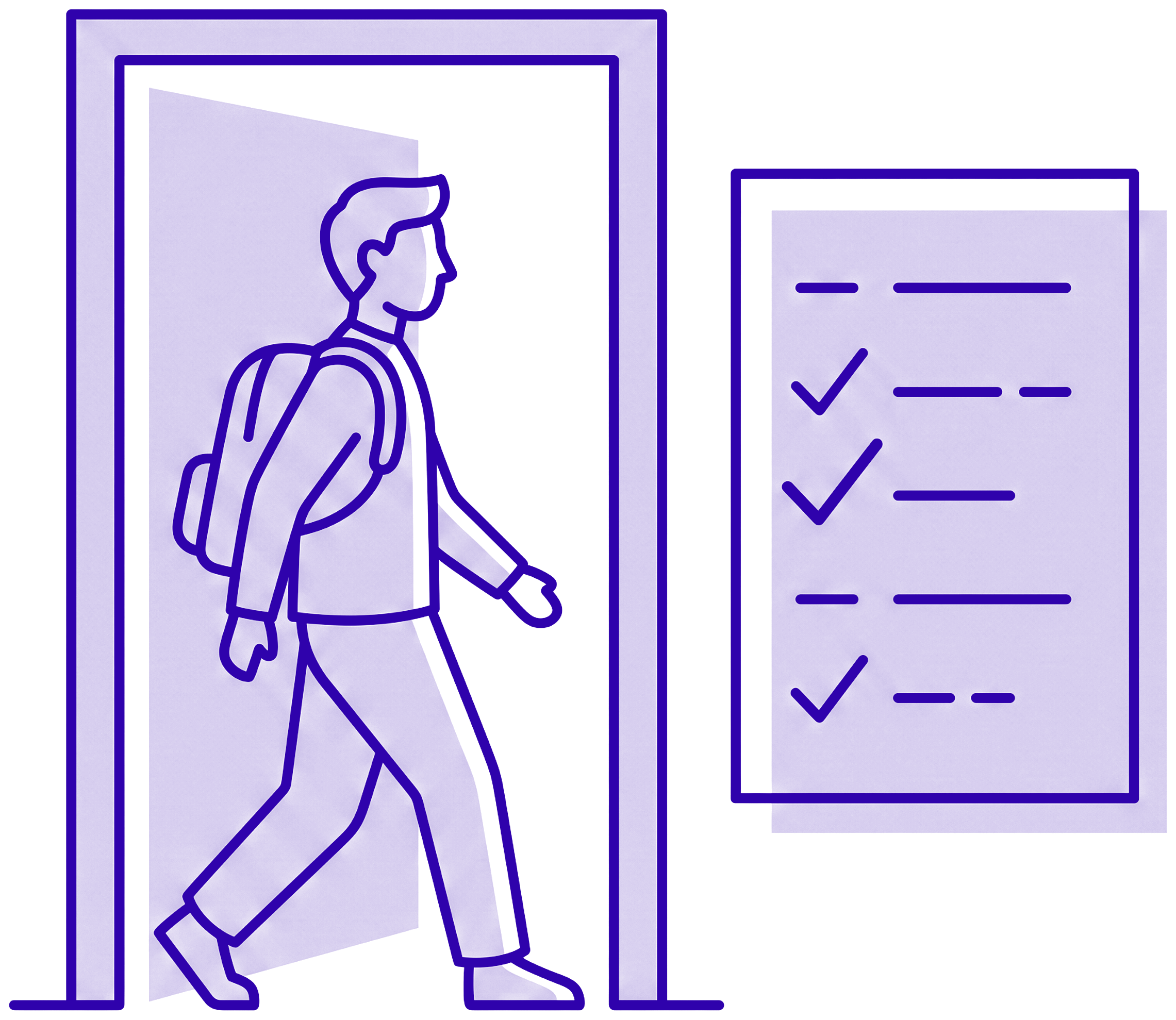
The entry event is the attendance record. There is no second step for anyone to remember, and no paper register to transcribe afterwards.

A person walking through a doorway beside a register marking itself
The walk through the gate is the register entry. Nothing is transcribed afterwards, and nothing waits for a teacher to find a moment.
What it needs
Nothing beyond the gate hardware for arrival and departure. Schools that want a second checkpoint at a classroom door add another camera position there; up to twenty run at once.
What happens
Arrival and departure are timestamped against the pupil profile and pushed into the class register as they occur.
What the school sees
A register that is already filled in when the teacher opens it, with late arrivals and early departures marked at their real times.

Alerts

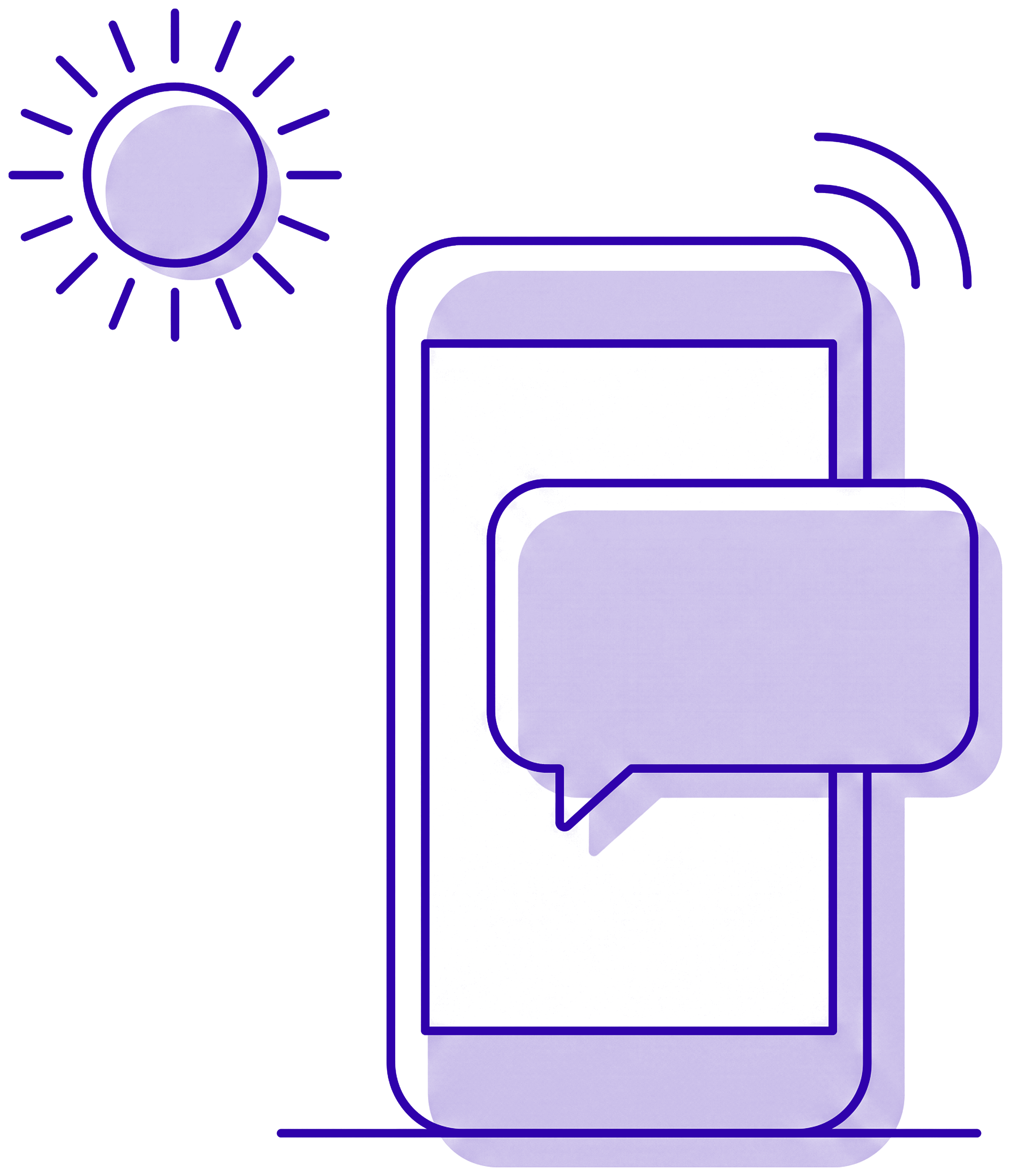
A parent hears the same morning, not at the end of the day. This is the part that changes what a school can promise a family.

A phone receiving a message, with a morning sun beside it
The message leaves on the same event that marked the register, which is why it arrives while the morning can still be acted on.
What it needs
A guardian contact number on each pupil profile, and an SMS gateway or WhatsApp Business connection configured for the school.
What happens
Three messages: arrived, left, and expected but not arrived. The third is the one that matters, and it fires without anyone deciding to send it. The gap between the scan and the message is a school setting - immediate up to five hours, ten minutes as shipped - and the absence sweep has its own time of day.
What the parent sees
A short message from a number they recognise, on the handset they already carry, with no app to install and no data bundle required.

Records

Everything above produces records. This is where they become something a head teacher can take into a meeting.

A folder of documents with a chart drawn on the front sheet
The reports are drawn from the entry and exit events themselves. Nobody assembles them by hand, so the figures and the gate cannot disagree.
What it needs
No additional hardware. Reporting reads the records the first three steps already produce.
What happens
Entry logs and attendance records are collected into one view and kept for the retention period the school sets.
What the school sees
Live counts by class and by pupil, a searchable entry log, and exports for board papers and ministry returns. Not a trend dashboard: the records, in a form you can take out.

Deployment and support

Four stages between the first conversation and the first automatic message home. A school stays on paper until the last one, so there is no week where neither system is trusted.

  1. Site assessment

    We walk the entry points with you, check power and connectivity, and agree how many gates are in scope.

  2. Hardware install

    Cameras and the local machine go in, out of teaching hours where the school prefers it. Where a school already has an NVR or DVR at the gate, that can be read over the network instead of running new cable.

  3. Staff training

    The office and gate staff learn enrolment, the unmatched-face prompt, and how to correct a record.

  4. Go live

    Enrolment runs class by class, alerts are switched on once guardian numbers are confirmed.

Ready to see this running at your entrance?

A site assessment is a walk around your entry points and an hour of questions. It costs nothing and it ends with a written scope.