
From the gate to the end of term.
A school day creates the same handful of moments where accountability matters: a pupil arrives, a register has to be right, a parent needs telling, somebody leaves early, and at the end of it all a head teacher needs a record that holds up. Smart Vizion joins those moments to one pupil record. Seven capabilities, which a school can start with one of and add to without replacing anything.
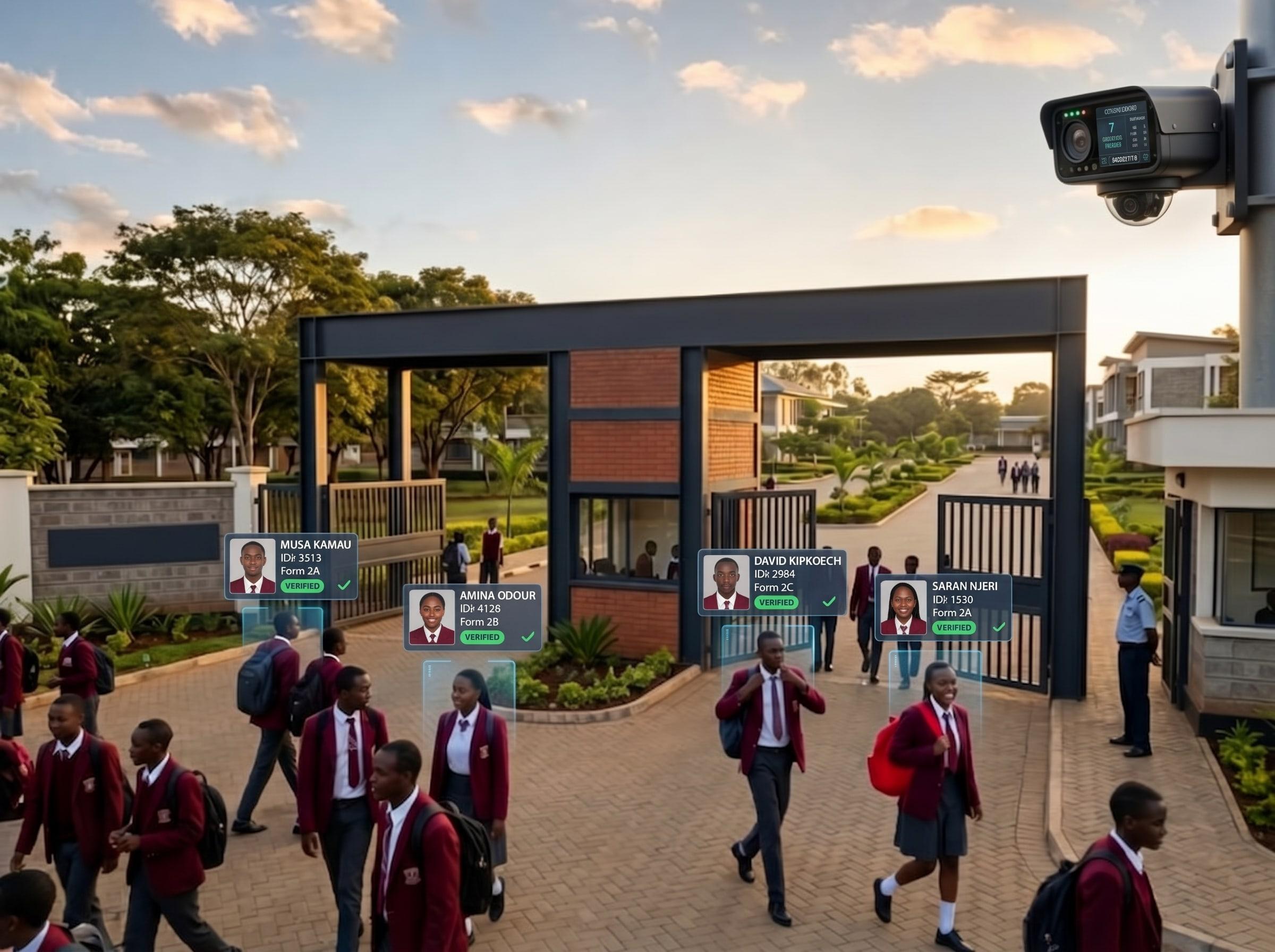
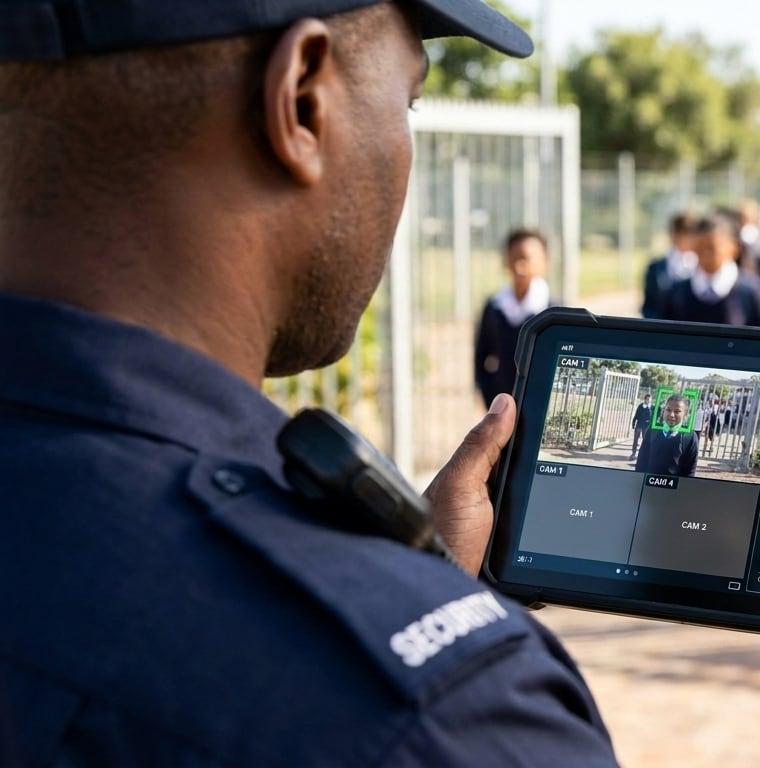
Facial recognition at the entry point
A weatherproof camera at the gate matches an arriving face against the school’s own enrolled records, and a unit on site does the matching. Face data is matched and encrypted on the school’s own hardware: no photos leave the school. A pupil walks up to the gate as normal, with no card and no tag.
- Tuned to your gate, not to a default
- Match, low and track similarity thresholds, minimum face size and track timeout are all adjustable, so a school sets how strictly a face must match before it counts as recognised.
- Day pupils and boarders are different problems
- For a day pupil a gate scan is routine arrival or departure. For a boarder, a scan on an ordinary school day means something unusual is happening, so the system checks it against an approved pass before it shows the guard a decision.
- When a face is not recognised
- Nobody is turned away automatically. The screen flags it and a person on the gate checks, the way they always have.
- It can use the cameras you already have
- As well as cameras we supply, the system reads an existing NVR or DVR over the network, discovers its channels and assigns them to slots, or takes a single RTSP stream directly. Up to twenty camera positions run at once. A school with CCTV already at the gate is not necessarily buying it twice.
A register that fills itself
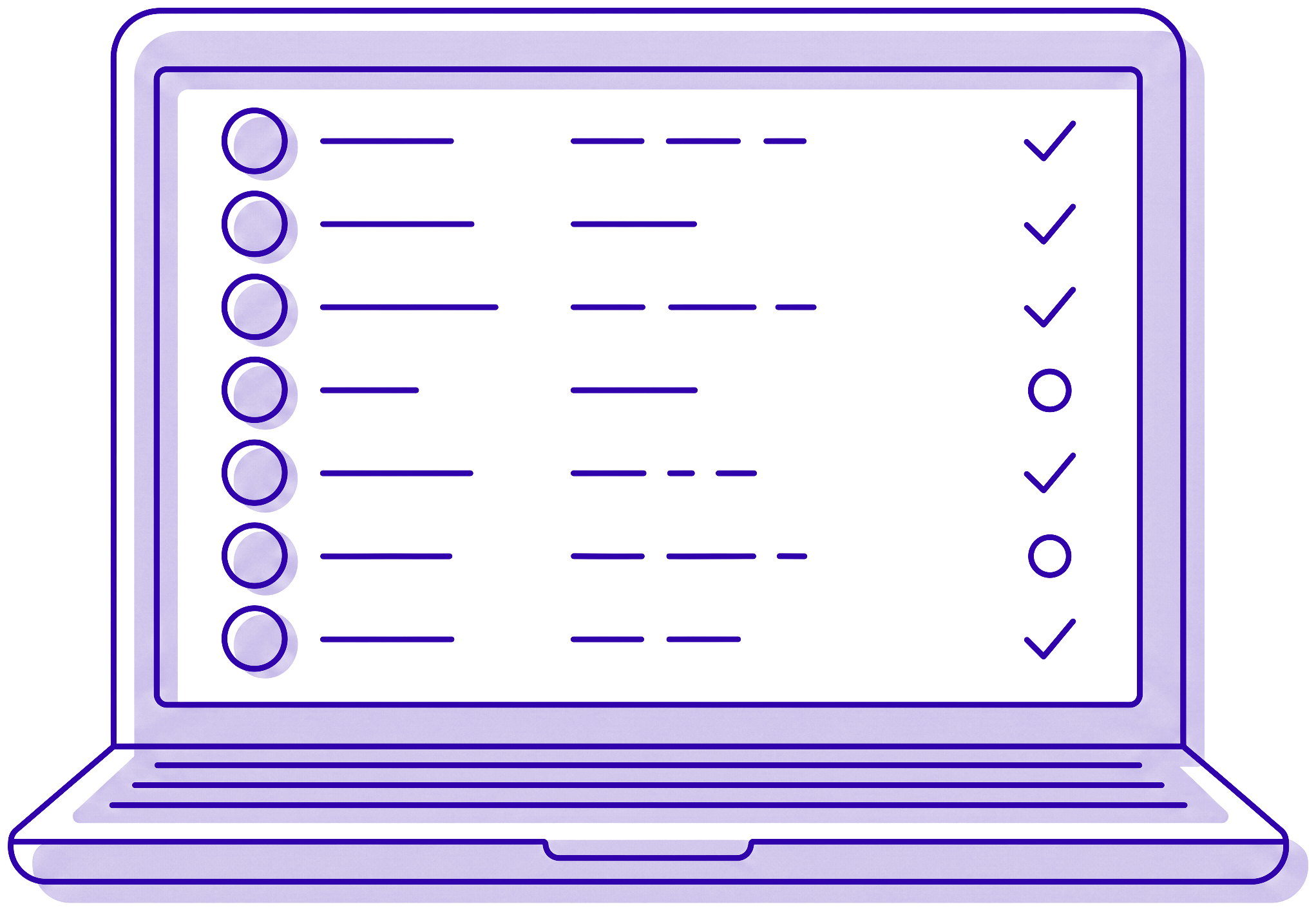
Arrival is logged the moment a face is matched, and the class teacher opens a register that is already correct. Nobody reconstructs a morning from memory at break, and nobody transcribes a paper sheet afterwards.
- Absence is noticed, not discovered
- If a pupil has not scanned by the school’s cutoff, an alert fires on its own. The cutoff is set per school; 8:30am is a common one rather than a fixed rule.
- Late is not the same as absent
- A pupil who arrives after the cutoff raises a late-arrival alert with its own tone, not an absence alert that then has to be corrected.
- What a parent can see and keep
- A monthly calendar reading green for present, red for absent and grey for holidays and weekends, a weekly summary, and a term attendance PDF they can download. Parents use that PDF with employers who reimburse school fees.
Parents told while it still matters
A push notification carries the pupil’s photo, so a parent can see at a glance that it is their child and not a mismatch. Push is the primary channel because it costs nothing per message. When it goes out is the school’s decision, not ours: the delay between the gate scan and the message is a setting, anywhere from immediate to five hours, and it ships at ten minutes.
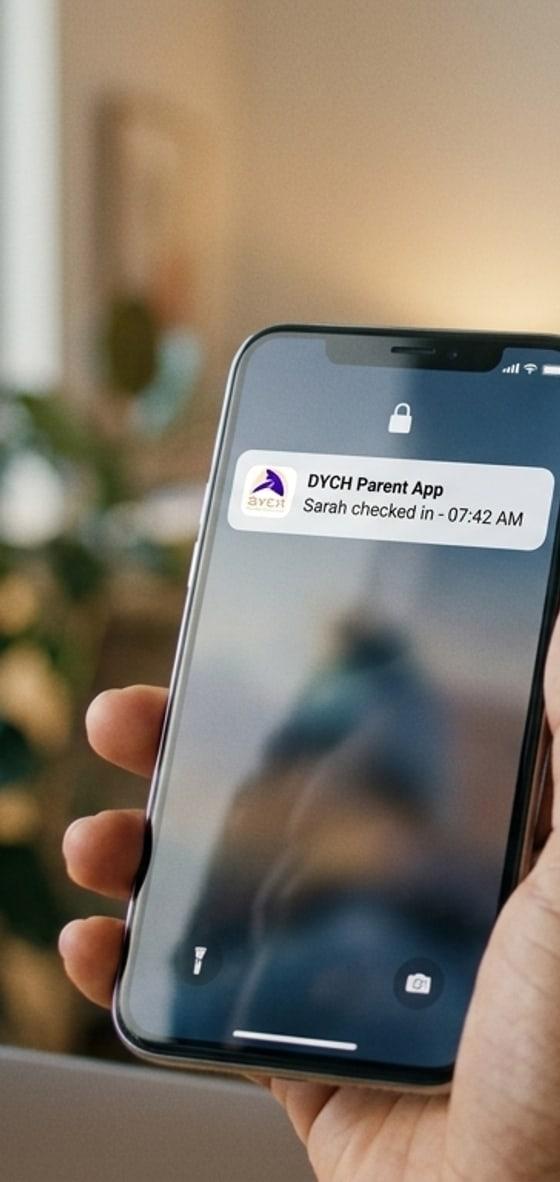
- The delay is a dial, and you hold it
- Ten minutes is the default, not a limit. A school that wants the alert to land before the pupil has reached the classroom sets it to zero; one that would rather absorb a pupil stepping back out to a waiting parent leaves it longer. The same screen sets the end-of-day sweep for pupils who never checked in, and can restrict it to weekdays.
- SMS is a fallback, and it is not free
- Where a push goes unopened an SMS follows, so a parent without a smartphone is still reached. SMS carries a real per-message cost and is priced as an add-on rather than folded into every plan.
- A conversation, not just alerts
- A parent can message the school directly and get a reply, and can report an absence from the app before the automatic alert fires, which stops the office ringing round unnecessarily.
- School-wide announcements
- Holidays, events and reminders go out to every parent from the dashboard, separate from the alert stream so notices do not get lost among arrivals.
Boarding schools, where the stakes are higher
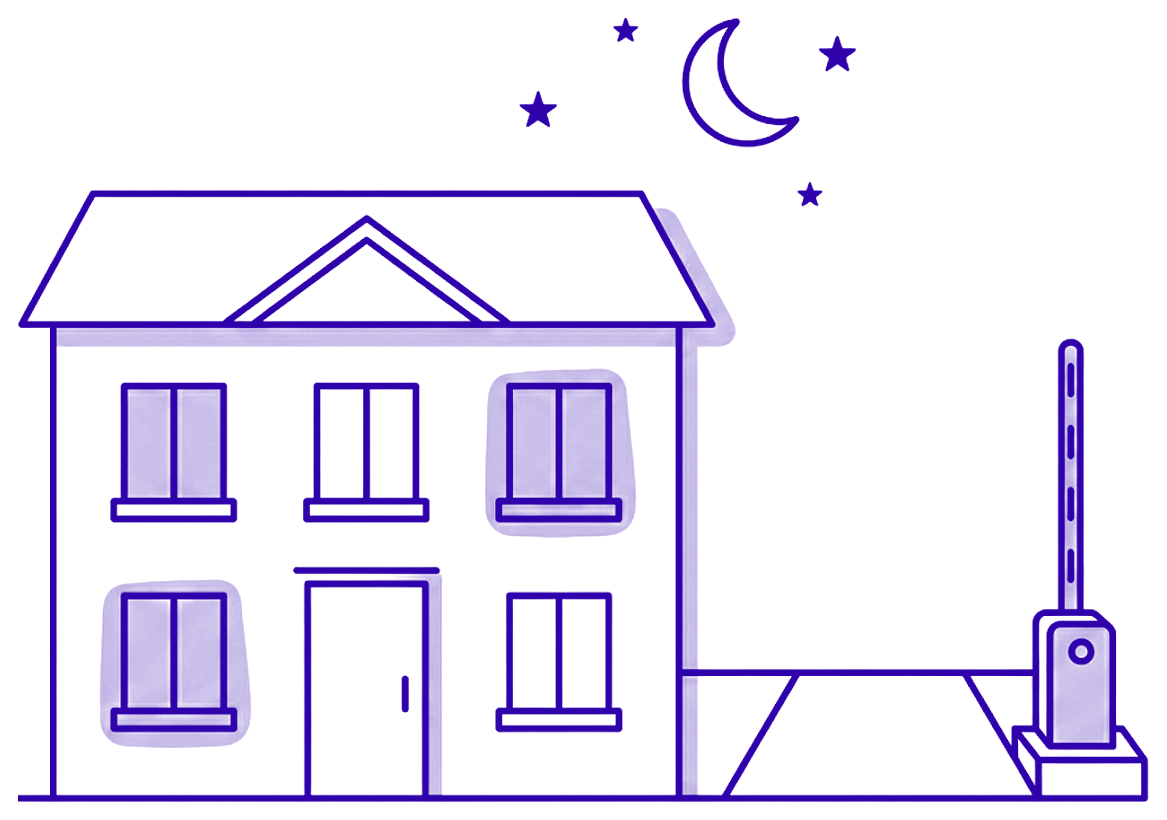
A boarding parent is often far from the school and depends on the system entirely. So a boarder’s record is not a daily arrival event but a running campus state, and leaving campus is something that has to be authorised before it happens.
- Evening check-in, and the alert when it does not come
- A scan at the dormitory entrance confirms a boarder is in for the night. If a check-in has not happened by the school’s cutoff, the parent and the matron are alerted at the same time.
- Exeats and gate passes replace the paper letter
- Weekend and holiday exeats are requested and approved digitally, and unplanned exits get a gate pass with a reason and either a one-way or a return-by time. The gate checks for the approval automatically before the guard sees a decision.
- Opening and closing day
- The days when a school most needs to know where everyone is. Each scan marks a boarder as reported or departed, and the office watches a live count rather than a clipboard.
The guard holds one screen, not three books
No register, no visitor book, no paper pass list. A tablet at the gate tells the person on duty what to do in front of them, whether that is a routine arrival, an approved pass, an authorised pickup or a face the system does not know.
- The override is deliberately awkward
- For the case where a school has authorised something verbally but has not created the pass yet. It is tied to the individual on duty rather than to a shared code, it has to be explained at the time, and the entry stands permanently afterwards.
- Unknown faces get logged, not waved through
- A visitor is recorded on the way in and on the way out, which is the paper visitor book replaced rather than digitised alongside.
- It keeps working when the line drops
- Recognition runs on the school’s own network, so the gate carries on through an outage. Records sync once the connection returns.
One dashboard instead of a shelf of files
The desktop application the school actually runs on. Live camera views with recognition overlays, the gate devices and guard accounts, and a searchable record of pupils, teachers, classes and timetables in one place rather than in separate books.
- Staff see their own job, not everything
- Roles decide what each account can open. Anything outside a role is hidden or refused, so a bursar, a class teacher and a head teacher are not all sharing one login.
- Records that answer a question in one search
- Pupils, teachers, classes, subjects and timetables, filterable, with bulk import from a spreadsheet so a school is not typing a roll in by hand.
- Messaging built in
- Staff group threads, one-to-one conversations with parents, and school-wide announcements, from the same place the records live.
Report cards, published in one action
A class’s assessment marks sit against the school’s own grading scale, which can be set per level or overridden for a single class. When a term’s reports are ready they publish to the parent portal in one action.
- Your grading scale, not ours
- Bands are defined by percentage range, letter and grade point, set as a default for an academic level and overridden per class where a school needs it.
- Parents see it where they already are
- Publishing notifies parents in the portal they already use for attendance, read-only, so there is no second login to explain.
- Still prints
- Exports to Excel and to PDF for print, because a report card often still has to leave the building on paper.
We are early, and we would rather say so.
This is the part of the page where most suppliers would show you a wall of school badges. We are not going to invent one. Here is where DYCH actually is, what the first deployment involved, and what we will publish the moment a school has reported it.
The first deployment: one school, one gate, and a register that stopped eating the first lesson.
The problem was the ordinary one. A manual register can take up to twenty minutes of class time a day, and at the end of it the school still cannot prove who collected a child. Cameras at the entry point verify the pupil, the register writes itself, and the parent hears about it before they have thought to ring the office.
What went in: a weatherproof gate camera with on-device matching, the admin dashboard, and parent alerts. Installation and staff training were part of it, not a separate engagement.
Students enrolled
Not yet reported
Time saved daily
Not yet reported
Attendance accuracy
Not yet reported
These are blank because the school has not reported them yet. When it does, the figures will appear here with the school’s name on them and its permission behind them. We would rather show you nothing than show you a number we made up.
The kind of school this fits.
Not a list of names you would have to take on trust. What the system actually copes with, so you can tell in a minute whether it is worth an hour of your time.
- One gate or four
- The same platform runs a single-stream primary and a school with several entry points. Cameras are added per entry point, so the cost follows the site rather than a licence tier.
- Day schools and boarding schools
- A day school uses arrival, departure and pickup. A boarding school adds campus status and dorm check-in on top of the same records, rather than running a second system alongside.
- Schools where the internet is not dependable
- Matching runs on your own hardware. The gate keeps reading and the register keeps writing through an outage, and records sync when the line returns.
What being early actually gets you.
A short list of schools means the people who built this are the people who install it, and they have time to do it properly. You get their attention at the gate, a say in what gets built next term, and a reference school you can ring rather than a case study you cannot verify.
It also means we will tell you if your school is not a good fit. We can afford to, and we would rather not learn it after the cameras are up.
Talk to the people who would install itBe the school whose name goes on this page.
We have capacity for a small number of installations this term, which means the people who built the system do the work themselves. A site visit costs nothing and ends with a written scope.