
Every part of the school day, on one record.
Smart Vizion for schools. Seven capabilities that share a single pupil record: recognition at the gate, attendance that writes itself, alerts to parents, boarding management, the screen the guard actually holds, the dashboard the office runs on, and report cards. A school can start with one and add the rest without replacing anything.
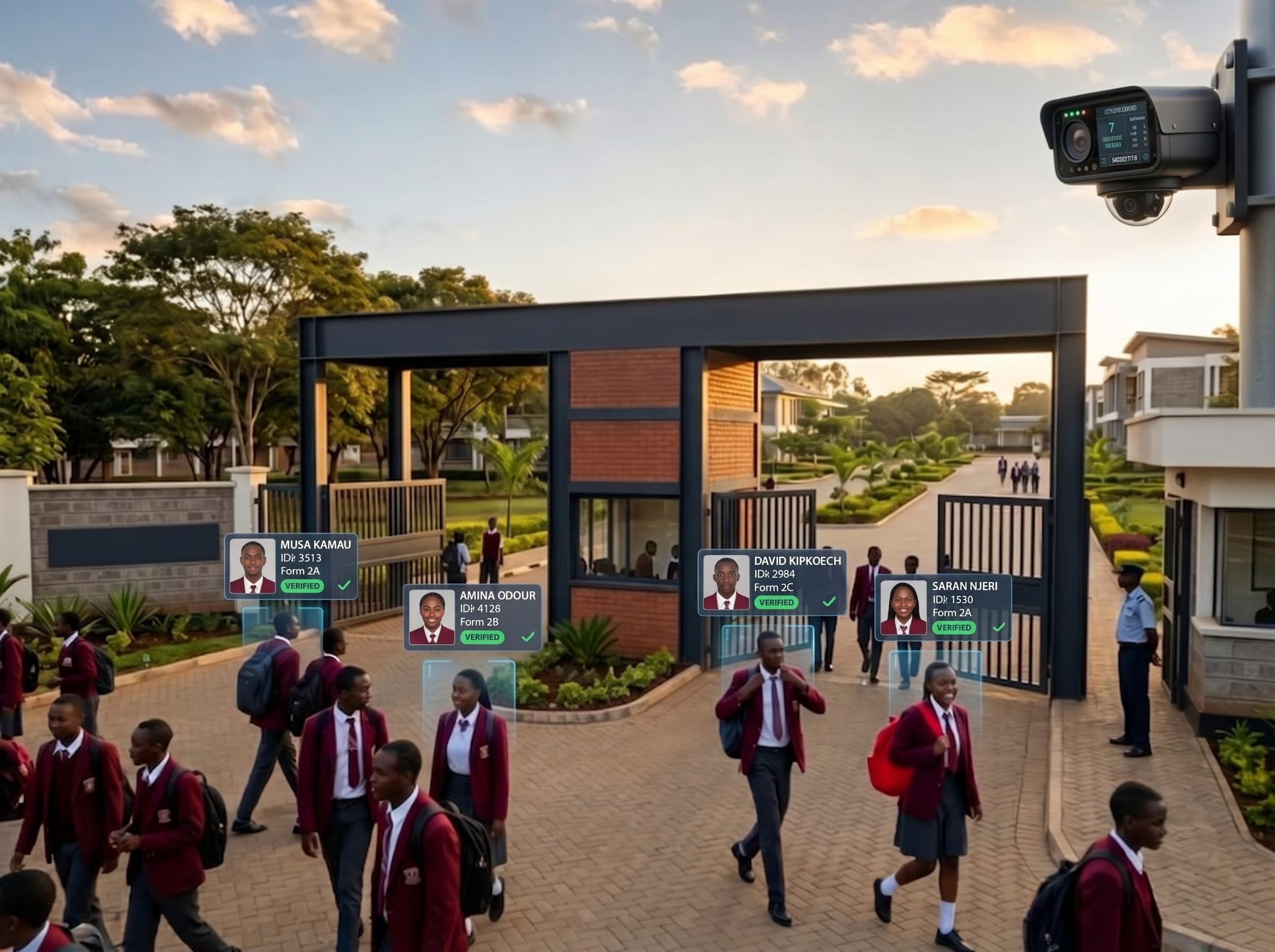
Facial recognition at the entry point
A weatherproof camera at the gate matches an arriving face against the school’s own enrolled records, and a unit on site does the matching. Face data is matched and encrypted on the school’s own hardware: no photos leave the school. A pupil walks up to the gate as normal, with no card and no tag.
- Tuned to your gate, not to a default
- Match, low and track similarity thresholds, minimum face size and track timeout are all adjustable, so a school sets how strictly a face must match before it counts as recognised.
- Day pupils and boarders are different problems
- For a day pupil a gate scan is routine arrival or departure. For a boarder, a scan on an ordinary school day means something unusual is happening, so the system checks it against an approved pass before it shows the guard a decision.
- When a face is not recognised
- Nobody is turned away automatically. The screen flags it and a person on the gate checks, the way they always have.
- It can use the cameras you already have
- As well as cameras we supply, the system reads an existing NVR or DVR over the network, discovers its channels and assigns them to slots, or takes a single RTSP stream directly. Up to twenty camera positions run at once. A school with CCTV already at the gate is not necessarily buying it twice.
A register that fills itself
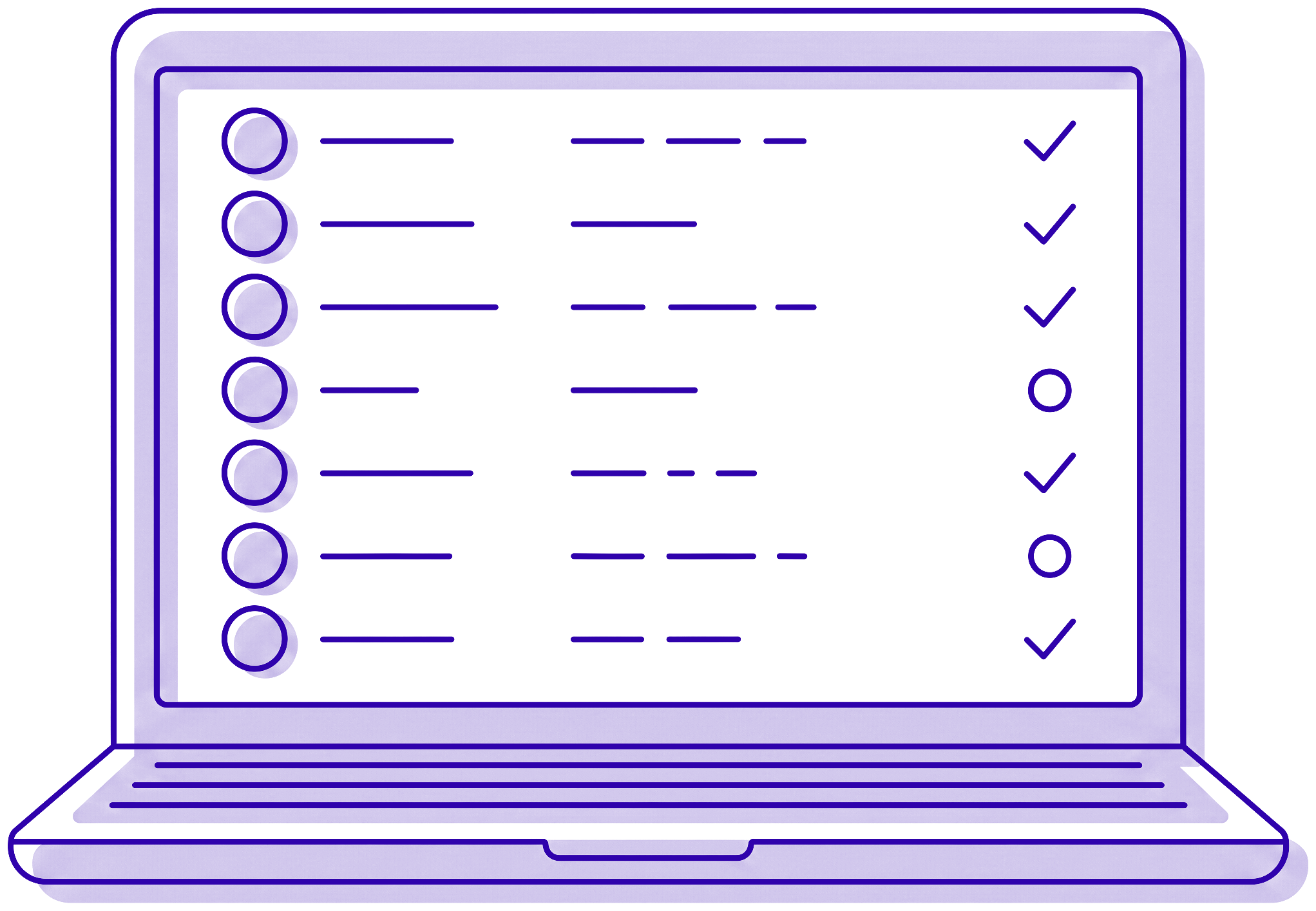
Arrival is logged the moment a face is matched, and the class teacher opens a register that is already correct. Nobody reconstructs a morning from memory at break, and nobody transcribes a paper sheet afterwards.
- Absence is noticed, not discovered
- If a pupil has not scanned by the school’s cutoff, an alert fires on its own. The cutoff is set per school; 8:30am is a common one rather than a fixed rule.
- Late is not the same as absent
- A pupil who arrives after the cutoff raises a late-arrival alert with its own tone, not an absence alert that then has to be corrected.
- What a parent can see and keep
- A monthly calendar reading green for present, red for absent and grey for holidays and weekends, a weekly summary, and a term attendance PDF they can download. Parents use that PDF with employers who reimburse school fees.
Parents told while it still matters
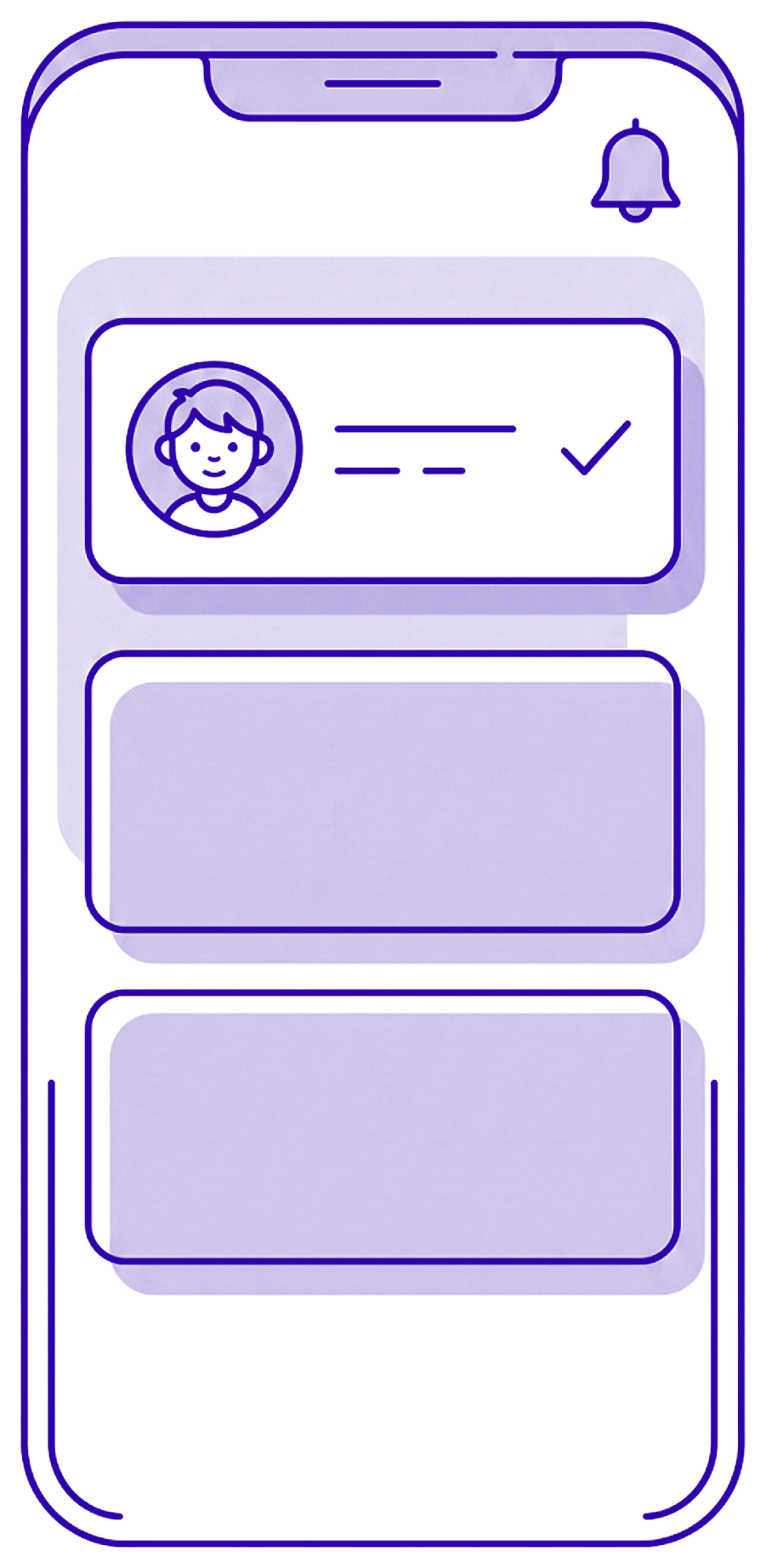
A push notification carries the pupil’s photo, so a parent can see at a glance that it is their child and not a mismatch. Push is the primary channel because it costs nothing per message. When it goes out is the school’s decision, not ours: the delay between the gate scan and the message is a setting, anywhere from immediate to five hours, and it ships at ten minutes.
- The delay is a dial, and you hold it
- Ten minutes is the default, not a limit. A school that wants the alert to land before the pupil has reached the classroom sets it to zero; one that would rather absorb a pupil stepping back out to a waiting parent leaves it longer. The same screen sets the end-of-day sweep for pupils who never checked in, and can restrict it to weekdays.
- SMS is a fallback, and it is not free
- Where a push goes unopened an SMS follows, so a parent without a smartphone is still reached. SMS carries a real per-message cost and is priced as an add-on rather than folded into every plan.
- A conversation, not just alerts
- A parent can message the school directly and get a reply, and can report an absence from the app before the automatic alert fires, which stops the office ringing round unnecessarily.
- School-wide announcements
- Holidays, events and reminders go out to every parent from the dashboard, separate from the alert stream so notices do not get lost among arrivals.
Boarding schools, where the stakes are higher
A boarding parent is often far from the school and depends on the system entirely. So a boarder’s record is not a daily arrival event but a running campus state, and leaving campus is something that has to be authorised before it happens.
- Evening check-in, and the alert when it does not come
- A scan at the dormitory entrance confirms a boarder is in for the night. If a check-in has not happened by the school’s cutoff, the parent and the matron are alerted at the same time.
- Exeats and gate passes replace the paper letter
- Weekend and holiday exeats are requested and approved digitally, and unplanned exits get a gate pass with a reason and either a one-way or a return-by time. The gate checks for the approval automatically before the guard sees a decision.
- Opening and closing day
- The days when a school most needs to know where everyone is. Each scan marks a boarder as reported or departed, and the office watches a live count rather than a clipboard.

The guard holds one screen, not three books
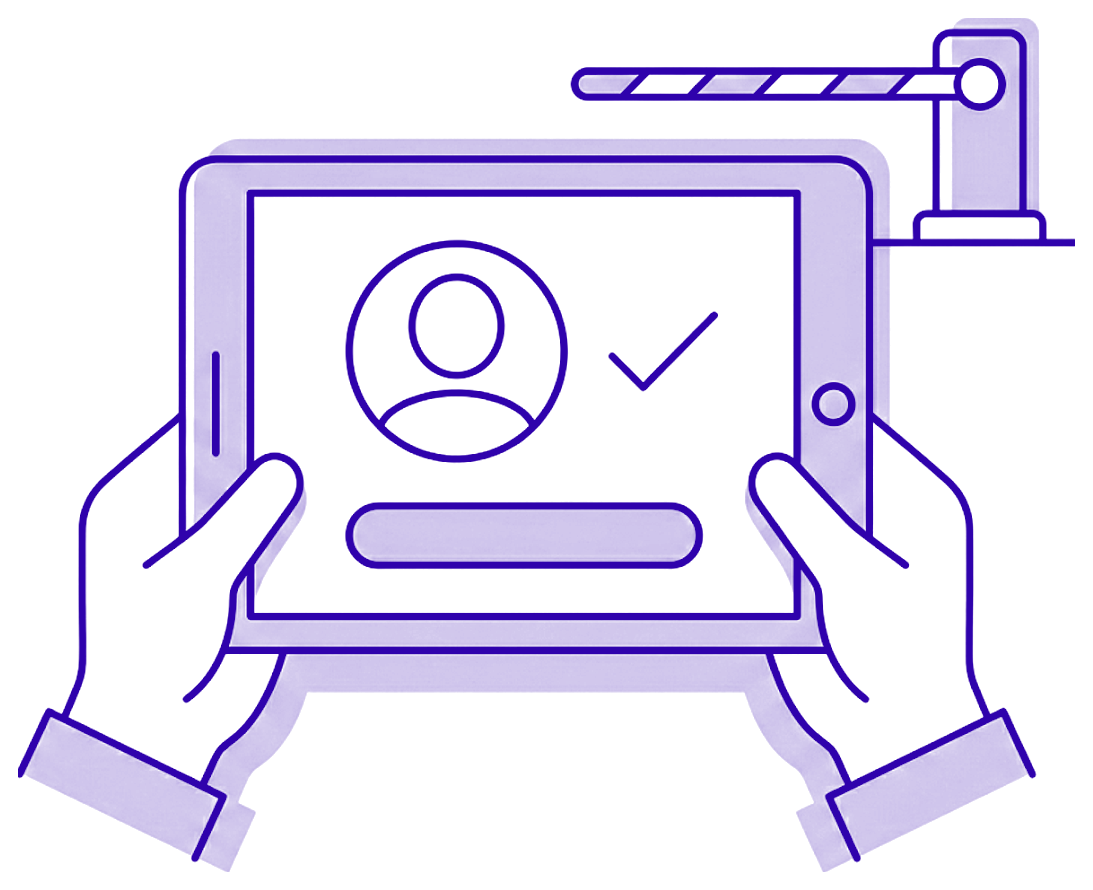
No register, no visitor book, no paper pass list. A tablet at the gate tells the person on duty what to do in front of them, whether that is a routine arrival, an approved pass, an authorised pickup or a face the system does not know.
- The override is deliberately awkward
- For the case where a school has authorised something verbally but has not created the pass yet. It is tied to the individual on duty rather than to a shared code, it has to be explained at the time, and the entry stands permanently afterwards.
- Unknown faces get logged, not waved through
- A visitor is recorded on the way in and on the way out, which is the paper visitor book replaced rather than digitised alongside.
- It keeps working when the line drops
- Recognition runs on the school’s own network, so the gate carries on through an outage. Records sync once the connection returns.
One dashboard instead of a shelf of files
The desktop application the school actually runs on. Live camera views with recognition overlays, the gate devices and guard accounts, and a searchable record of pupils, teachers, classes and timetables in one place rather than in separate books.
- Staff see their own job, not everything
- Roles decide what each account can open. Anything outside a role is hidden or refused, so a bursar, a class teacher and a head teacher are not all sharing one login.
- Records that answer a question in one search
- Pupils, teachers, classes, subjects and timetables, filterable, with bulk import from a spreadsheet so a school is not typing a roll in by hand.
- Messaging built in
- Staff group threads, one-to-one conversations with parents, and school-wide announcements, from the same place the records live.
Report cards, published in one action
A class’s assessment marks sit against the school’s own grading scale, which can be set per level or overridden for a single class. When a term’s reports are ready they publish to the parent portal in one action.
- Your grading scale, not ours
- Bands are defined by percentage range, letter and grade point, set as a default for an academic level and overridden per class where a school needs it.
- Parents see it where they already are
- Publishing notifies parents in the portal they already use for attendance, read-only, so there is no second login to explain.
- Still prints
- Exports to Excel and to PDF for print, because a report card often still has to leave the building on paper.
Start with the gate, or start with the register.
Most schools begin with one entry point and add the rest a term later. Tell us where the pressure is and we will scope that first.